Your Netlify sites, on the go
Monitor deploys, catch failed builds, and manage domains from your phone — with push alerts and home-screen widgets.
On Android? A version is coming — join the waitlist.
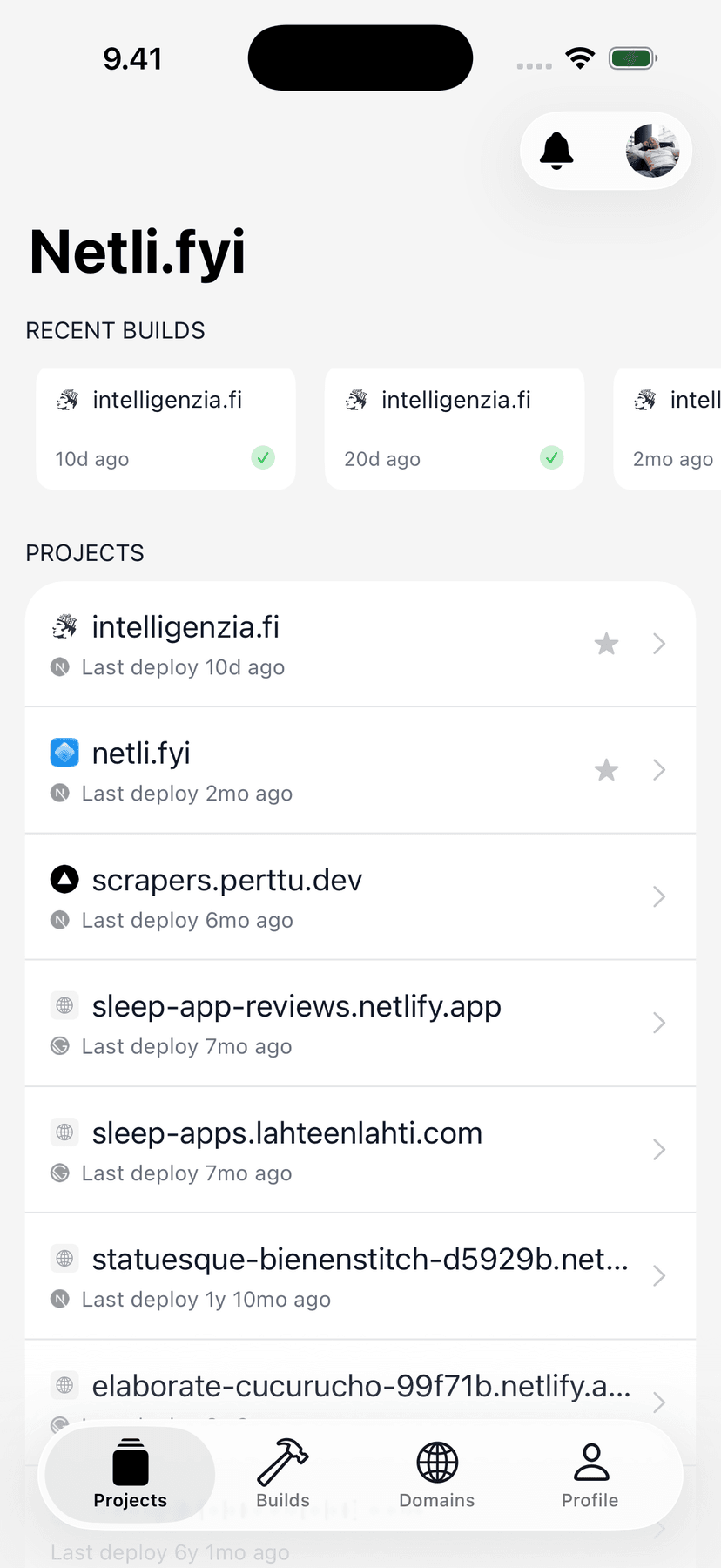

New in this release
The deploy finds you now
The two features that turn Netli.fyi from an app you check into a signal you trust: push notifications and home-screen widgets.
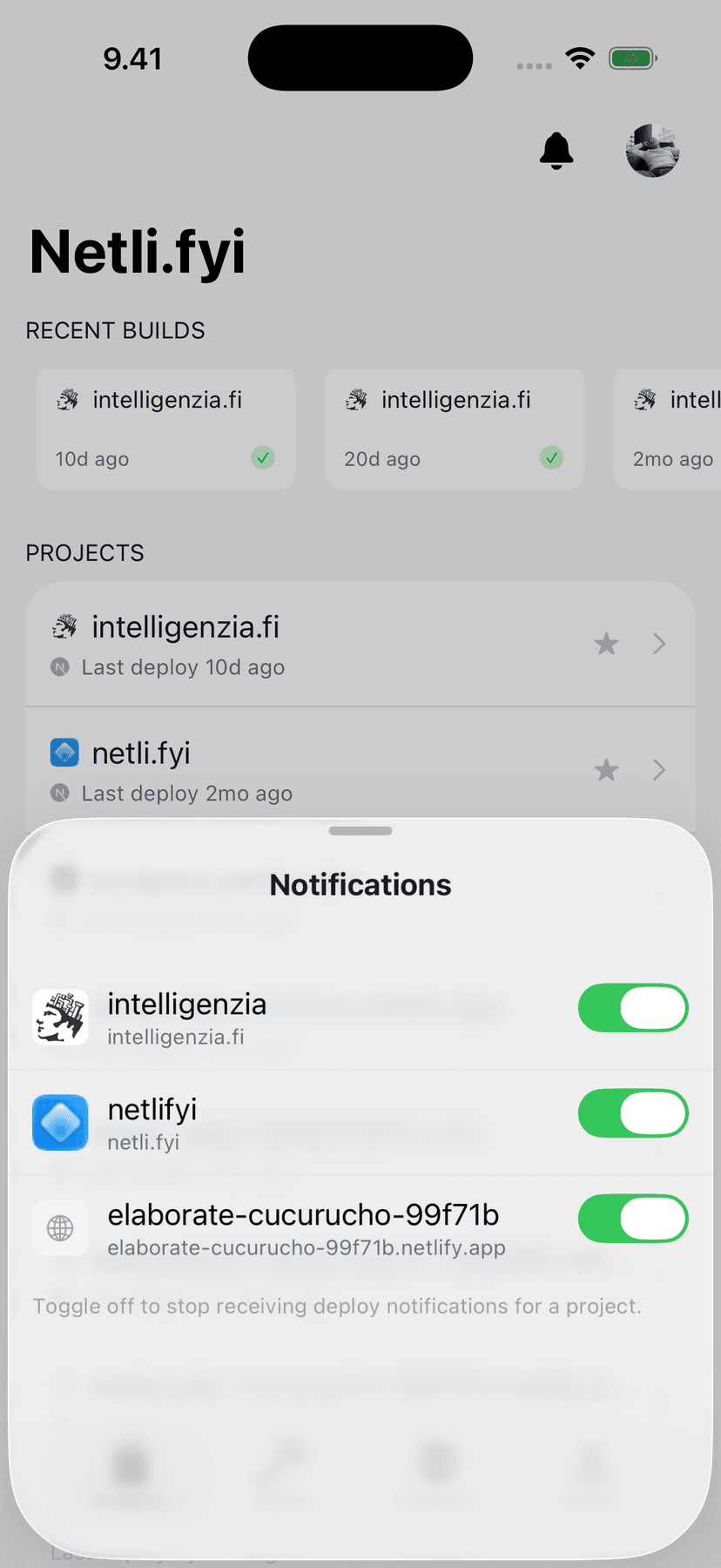
Know the second it ships
Push alerts the moment a deploy succeeds — or breaks. Pick which sites notify you, mute the noisy ones, and fix failures before anyone notices.
Right on your home screen
Widgets for build status, site status, and recent builds — with one-tap redeploy straight from the home screen. No app launch required.
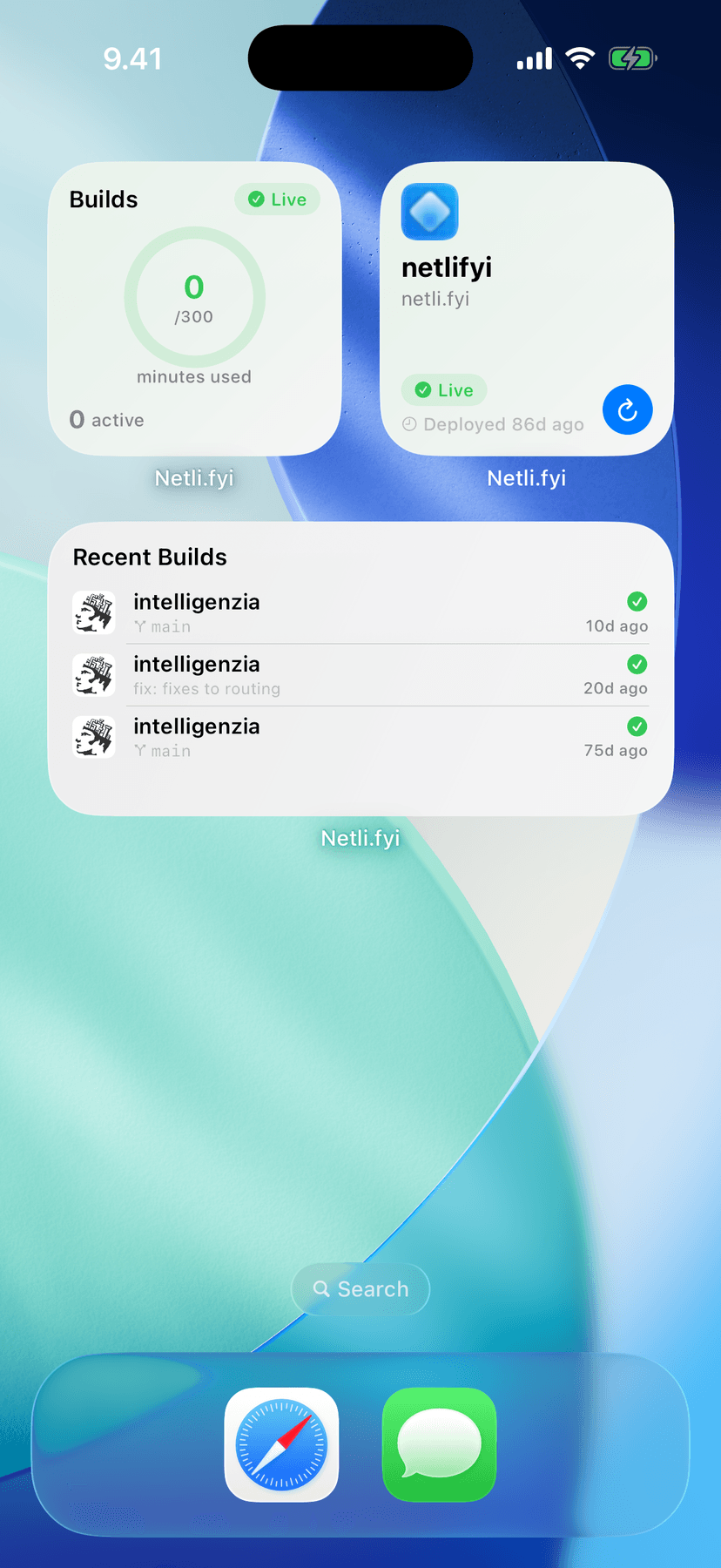
Deploy notifications and the Recent Builds widget are part of Netli.fyi Pro.
The whole deploy story, phone-sized
Everything between “git push” and “it’s live” — readable on a screen you already have with you.
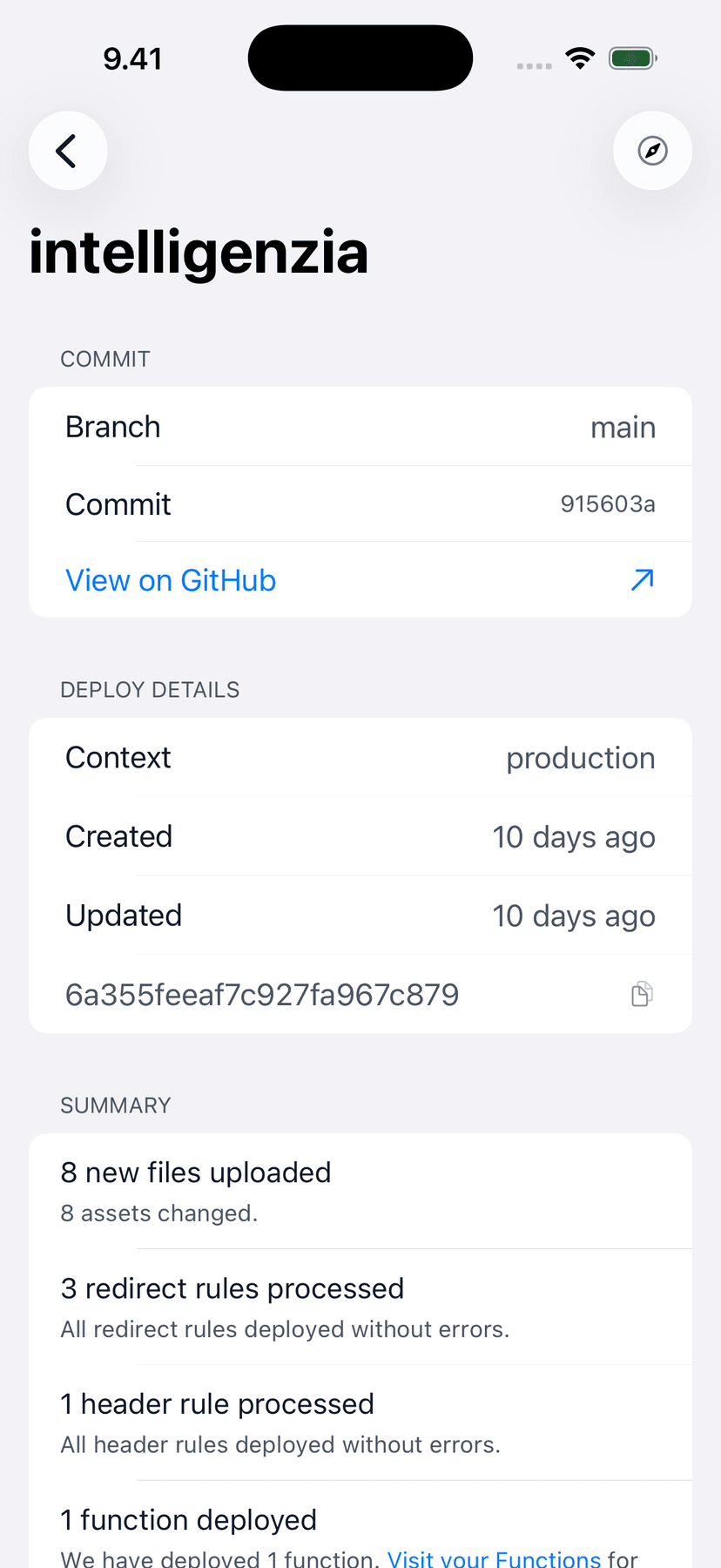
Exactly what shipped
Commit, branch, and a full build summary for every deploy. When someone asks "is it live?", the answer is one tap away — not a laptop away.
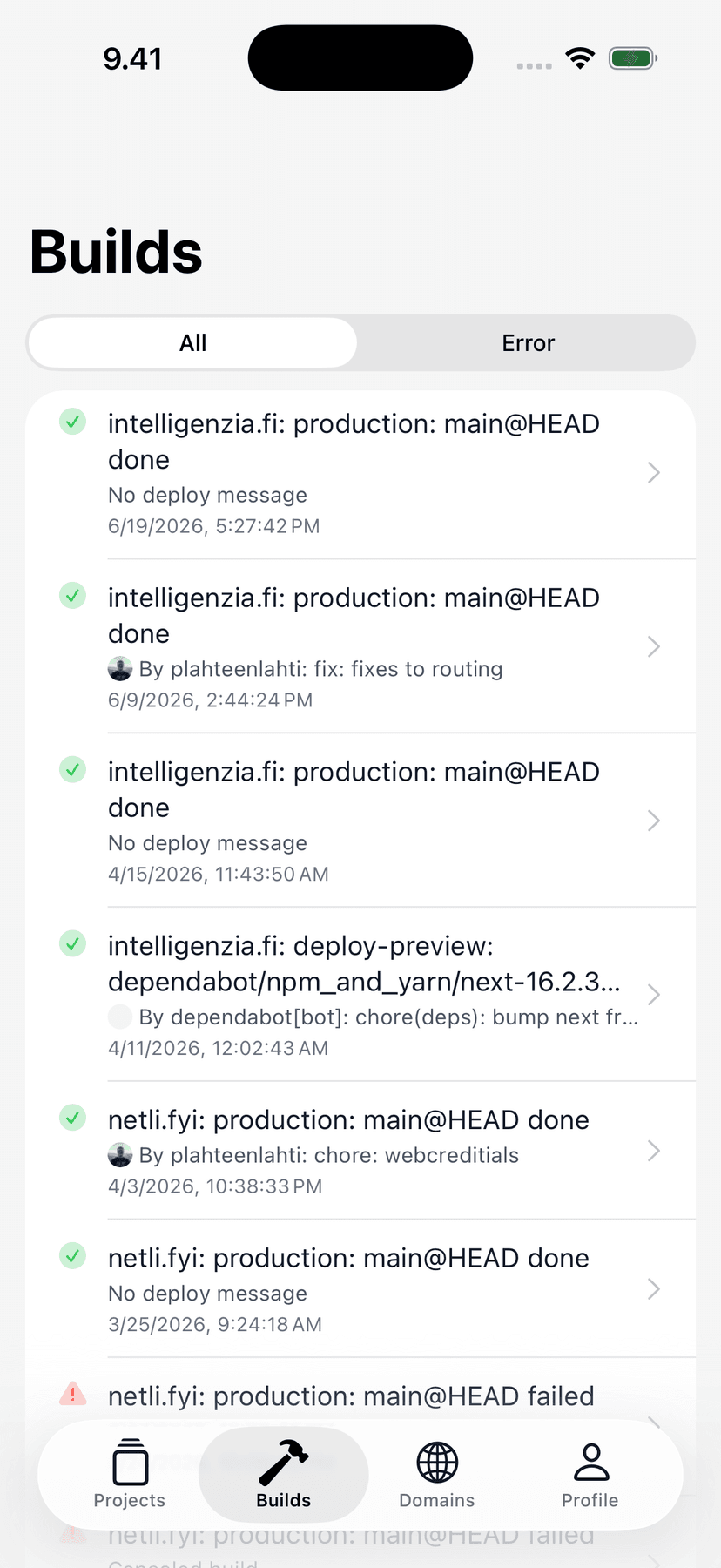
Catch failed builds fast
Filter the build list straight to errors and jump to the problem. Read the log, spot the broken step, and know what to fix before you sit down.
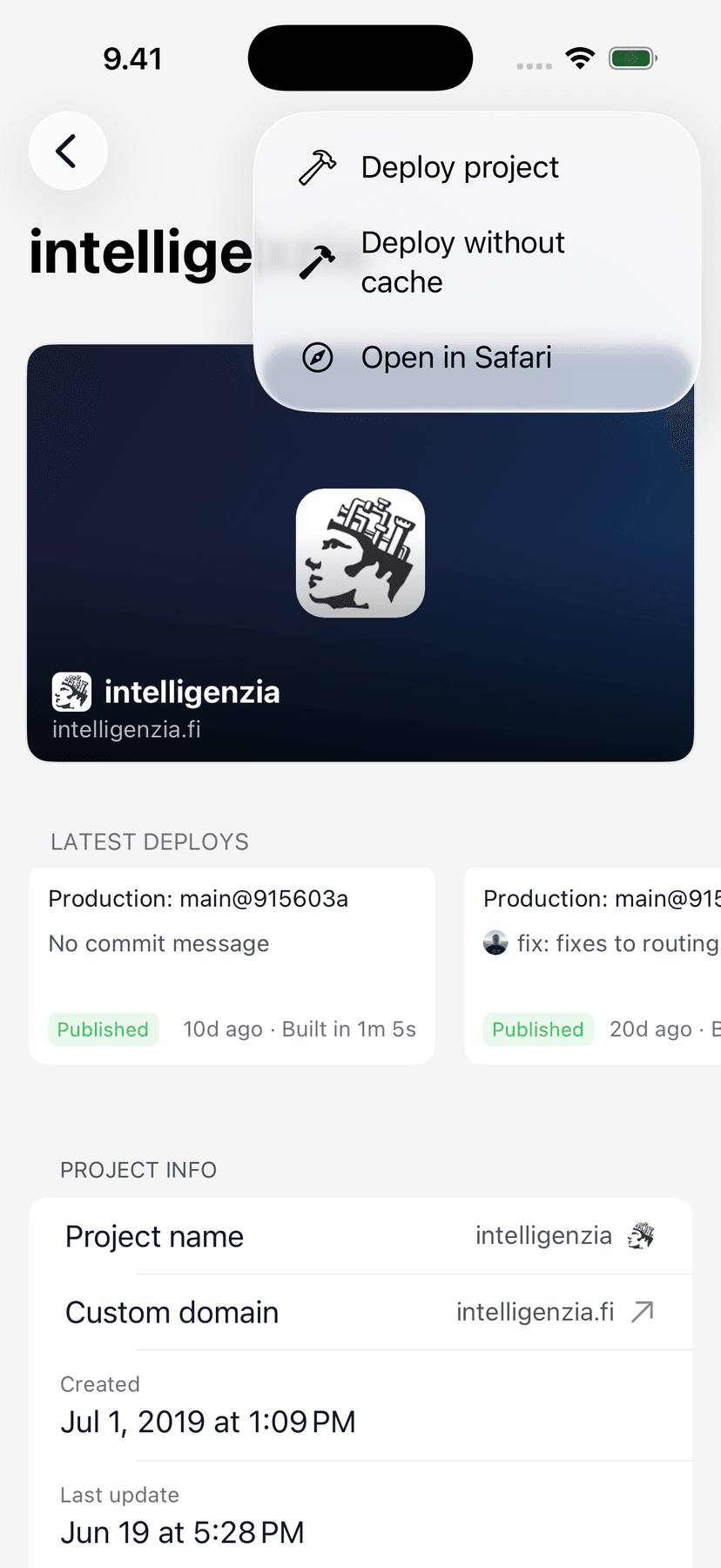
Deploy or redeploy in a tap
Trigger a build — with or without cache — from anywhere. No empty commits, no opening the dashboard just to press one button.
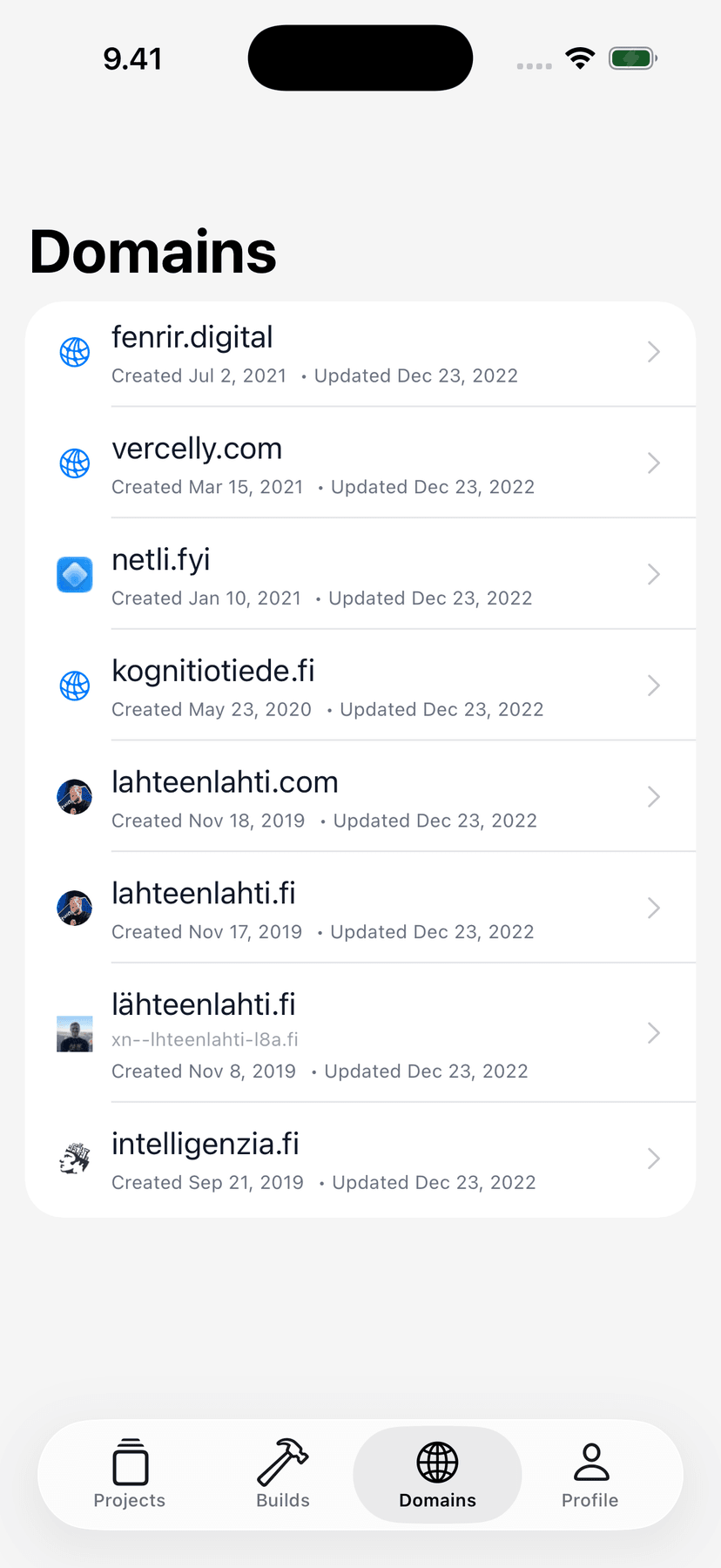
Domains & DNS on the go
Name servers and records without opening a laptop. Check propagation, verify a record, and confirm SSL from wherever the DNS emergency finds you.
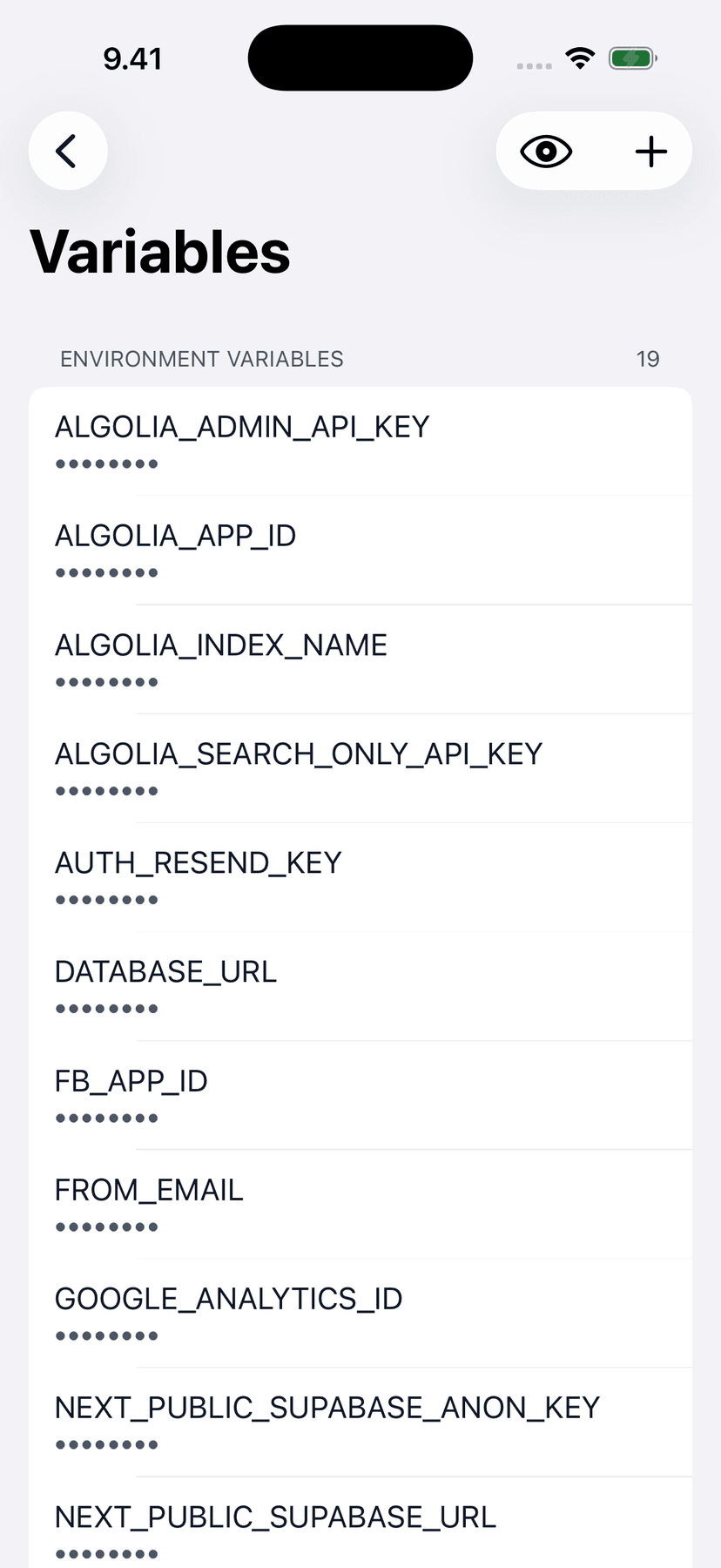
Env vars, always masked
Check configuration anywhere; values stay hidden until you reveal them. Add, update, or delete variables — changes apply on the next deploy.
And all the rest
The full Netlify toolkit, sized for a phone screen.
Deploy & build status
Real-time status across every site — live, building, or failed — the moment you open the app.
Push notifications
Deploy success and failure alerts, per site. Part of Netli.fyi Pro.
Home-screen widgets
Build Status, Site Status, and Recent Builds widgets keep deploys visible without opening the app.
One-tap redeploy
Trigger a build with or without cache — from the app or straight from the widget.
Domains & DNS
Name servers and records for every domain, readable and checkable from anywhere.
Environment variables
View, add, and edit env vars per site. Values stay masked until you reveal them.
Build-minutes tracking
See how much of your monthly build allowance is used — before the bill tells you.
Multi-account support
Personal projects, client work, team accounts — switch between them in seconds.
The whole project
Deploys, env vars, and build settings together on one project screen.
From the blog
Tips and tutorials for getting the most out of Netlify.

Frequently asked questions
Have a different question? Send us an email.
How does authentication work?
You generate a personal access token in your Netlify account settings and paste it into the app. The token is stored on your device — Netli.fyi never sees or stores it on any server.
Can I use multiple Netlify accounts?
Yes. Add a token for each account and switch between them. Useful if you manage personal projects and client work separately.
Is this an official Netlify app?
No. Netli.fyi is an independent app built on the public Netlify API. It is not affiliated with or endorsed by Netlify.
How do deploy notifications work?
Turn them on per site in the app. You get a push the moment a deploy succeeds or fails. Deploy notifications are part of Netli.fyi Pro.
Can I trigger builds?
Yes. You can trigger a new build or clear the build cache for any site. You cannot change build commands or other build settings from the app — use the Netlify dashboard for that.
Can I manage custom domains?
Yes. You can view your domain configuration, check DNS status, and monitor SSL certificates directly from the app.
Can I edit environment variables?
You can view, add, update, and delete environment variables per site. Changes go through the Netlify API and take effect on the next deploy.
What about build logs?
Tap any build to see the full log output. Useful for quickly checking why something failed without opening a browser.
Is it free?
The app is free to download and use. Netli.fyi Pro, an optional subscription, unlocks deploy push notifications and the Recent Builds widget.
Is there an Android version?
Not yet. Netli.fyi is a native iOS app today, available on the App Store for iPhone. An Android version is in the works — join the waitlist and you will get one email when it ships. Join the Android waitlist.
How do I report a bug or request a feature?
Straight from the app — there is a feedback form under Profile. Reports land directly with the developer.
Is my data secure?
All communication goes directly from your device to the Netlify API over HTTPS. Your token is stored in secure device storage. No data passes through any third-party server.