New in Netli.fyi: home-screen widgets, deploy notifications, and Pro

Netli.fyi started as a way to check on your Netlify sites without opening a laptop. The latest release takes that one step further: now you don't even have to open the app. Here's what's new.
Home-screen widgets
The release adds three widgets you can place on your iPhone home screen:
- Build Status — your build-minutes usage and how many builds are running right now.
- Site Status — one site, its live/failed state, and when it last deployed. It also has a redeploy button, so you can trigger a new build with one tap without opening the app at all.
- Recent Builds — the latest builds across your sites, with commit messages, branches, and pass/fail state.
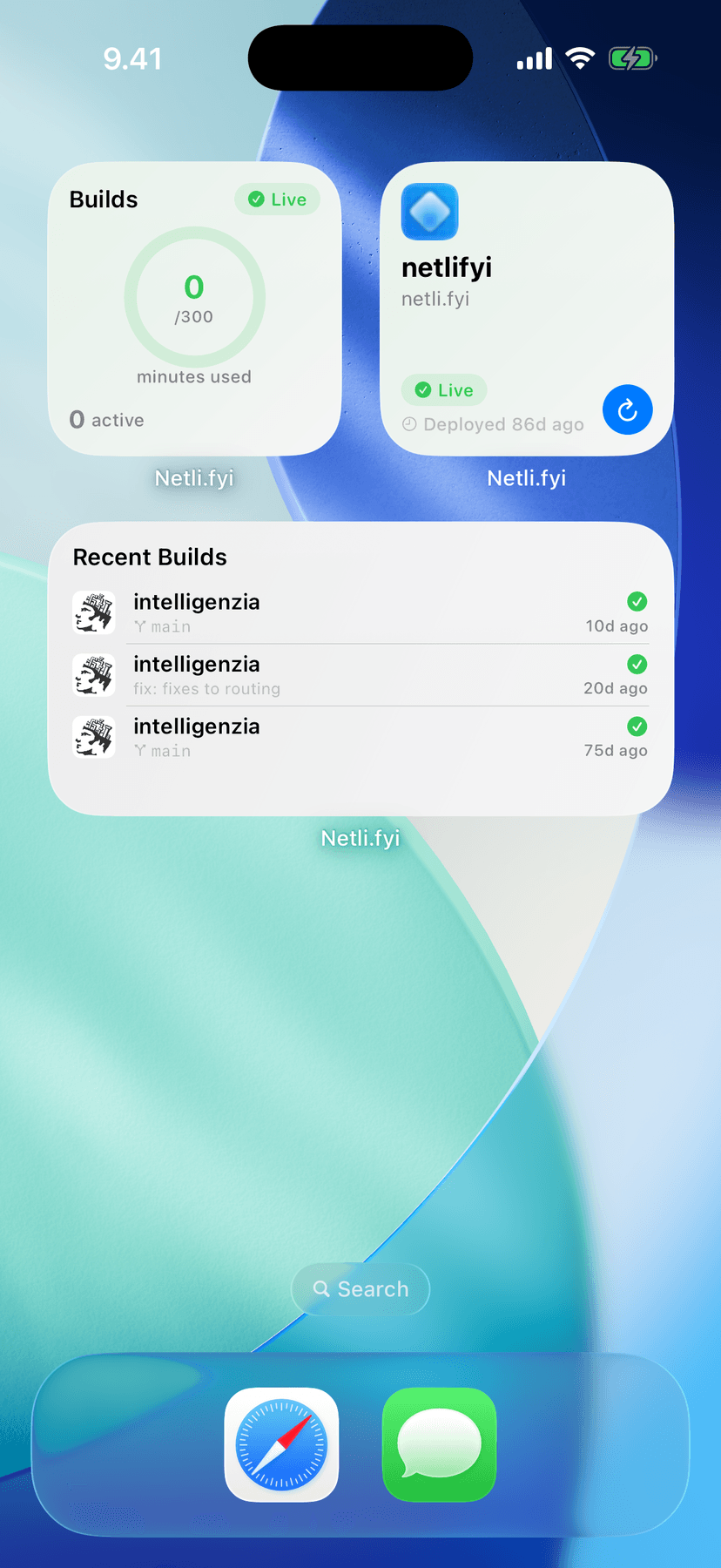
If you have a site that deploys often — a docs site rebuilt by a CMS webhook, a client project mid-launch — a glance at your home screen now answers "is it live?" before the question fully forms.
Deploy push notifications
Netli.fyi can now send you a push notification the moment a deploy succeeds or fails.
16:02
Friday, July 3

client-storefront
now
Build failed — check the log
client-storefront
16:09
Deploy succeeded — main@e4b81d0
broken at 16:02, fixed by 16:09 — weekend intact
Notifications are configured per site, so you can turn them on for the projects that matter and leave the noisy preview-heavy ones quiet.
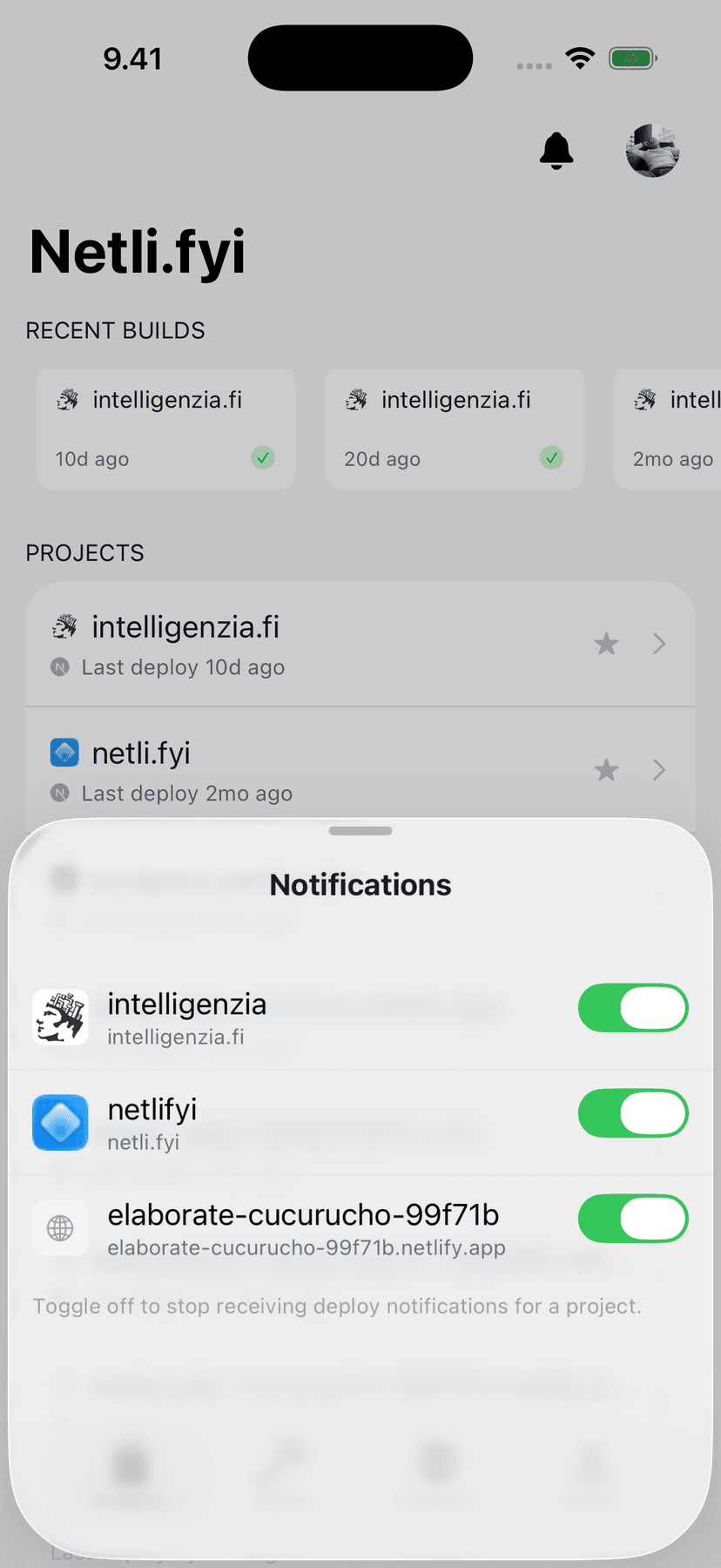
The failure case is the one that earns its place: a build that breaks at 4pm on a Friday is a lot cheaper to fix at 4:02pm than whenever you next happen to check the dashboard.
Send feedback from inside the app
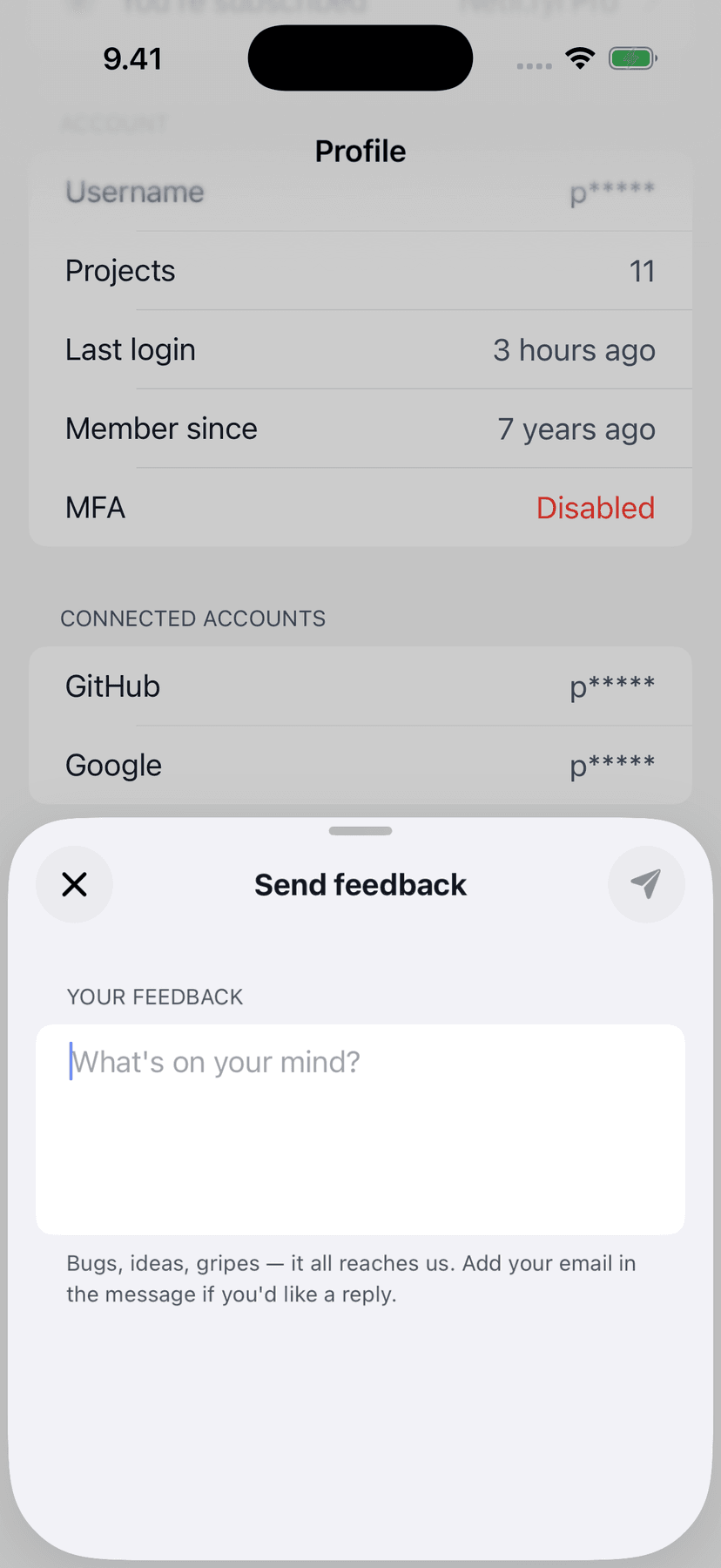
There's now a feedback form under the Profile tab. Bug reports and feature requests land directly with me — no email client, no App Store review detour. A good chunk of this release exists because people wrote in, so it felt right to make writing in easier.
Netli.fyi Pro
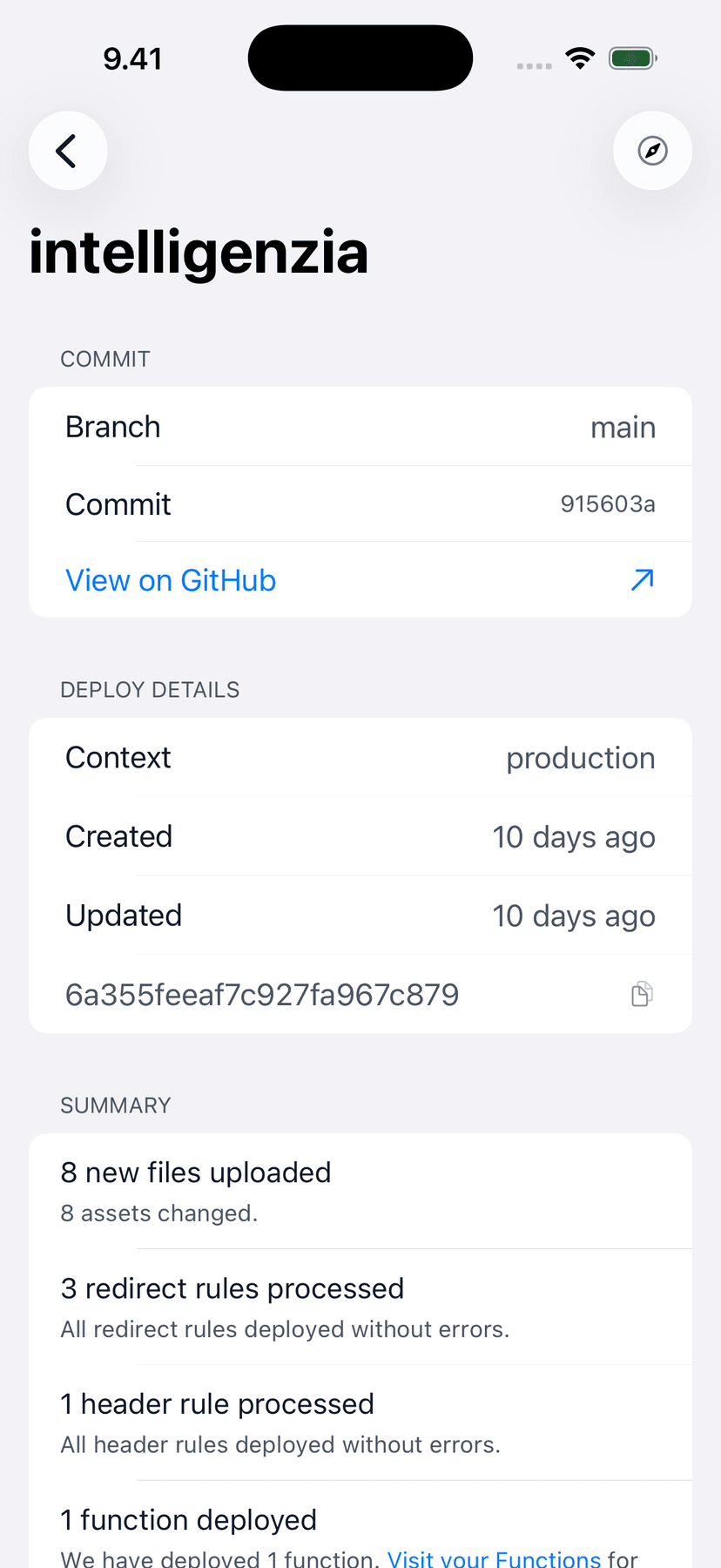
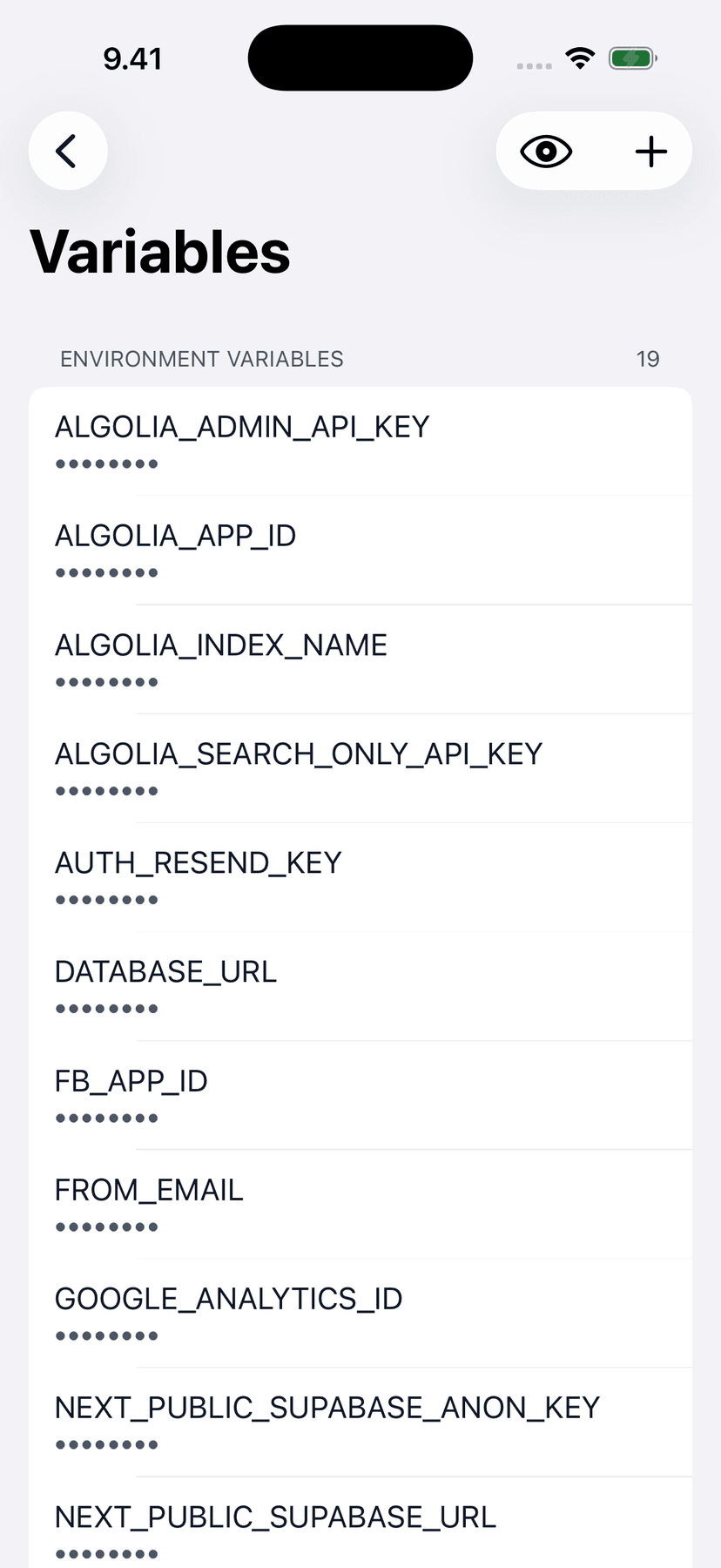
This release also introduces Netli.fyi Pro, an optional subscription. Pro unlocks deploy push notifications and the Recent Builds widget. Everything that was free stays free: monitoring your sites, browsing builds and deploy logs, triggering redeploys, domains and DNS, environment variables, and multi-account support.
Netli.fyi is an independent side project, and notifications in particular need server infrastructure that costs real money to run. Pro is what keeps that sustainable.
How to get it
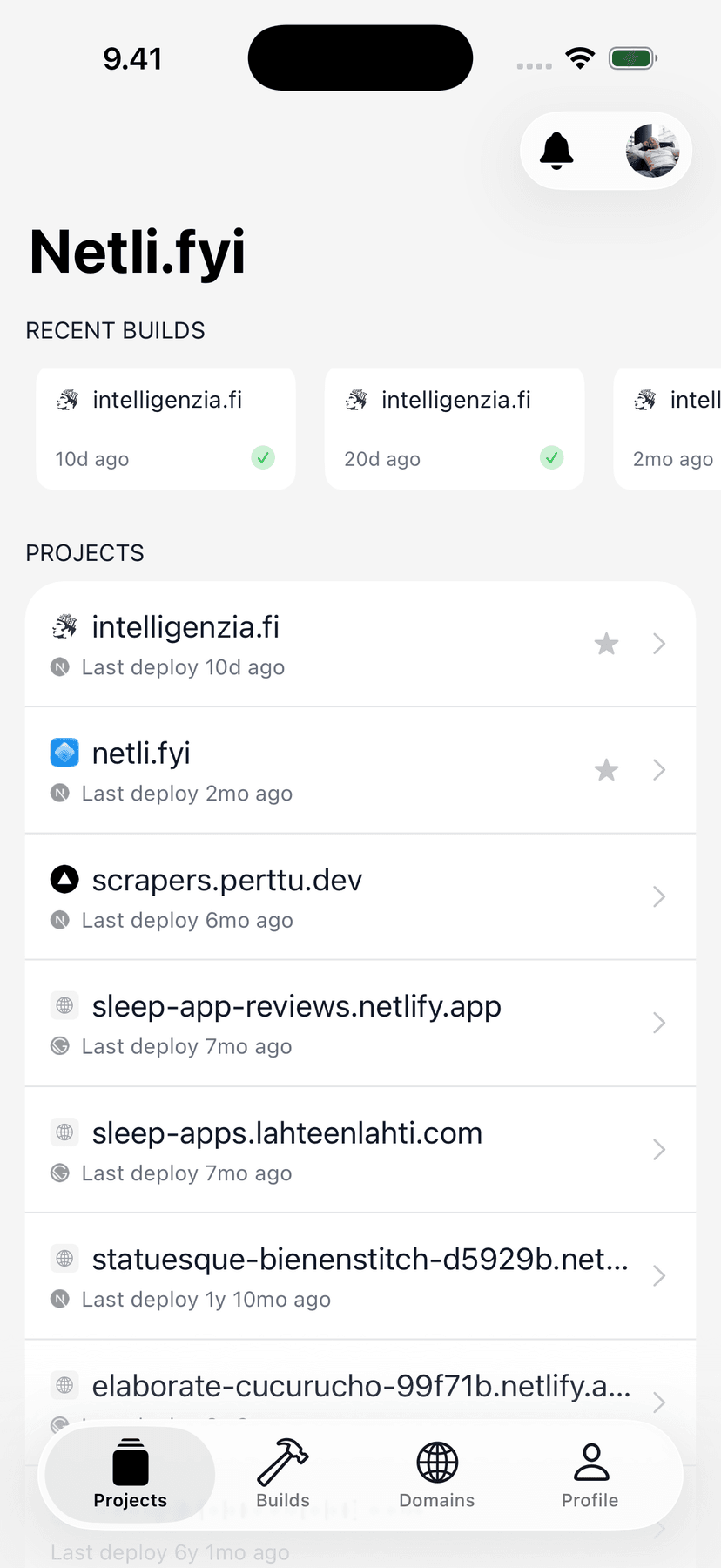
Update Netli.fyi from the App Store, or download it if you're new — it's free. Add a widget by long-pressing your home screen, tapping the plus button, and searching for Netli.fyi. Notifications can be turned on per site from the bell icon on the Projects screen.
Widgets refresh on iOS's schedule, so they can lag a few minutes behind a deploy. Pull the app open for a real-time view, or tap the widget to jump straight to the site it shows.
If something breaks or you're missing a feature, use the new feedback form and tell me about it.

Developer Advocate at RevenueCat and creator of Netli.fyi. Building on Netlify since 2019. Writes from hands-on experience deploying dozens of production sites.