On this page
Netli.fyi 1.2 was about doing things from your phone: creating projects, editing build settings, adding DNS records. 1.3 is about seeing more without asking. You can now watch a deploy happen from the lock screen, check how much traffic a project is getting, and point a domain at a site without a laptop. It's also the first release that feels finished on Android. Here's what's new.
Traffic for every project#
Each project now has a Traffic view: requests over time split by status code, bandwidth, response times, and a request log you can tap into for the details of a single request. It's the same data as the Observability page in the Netlify dashboard, laid out for a phone.
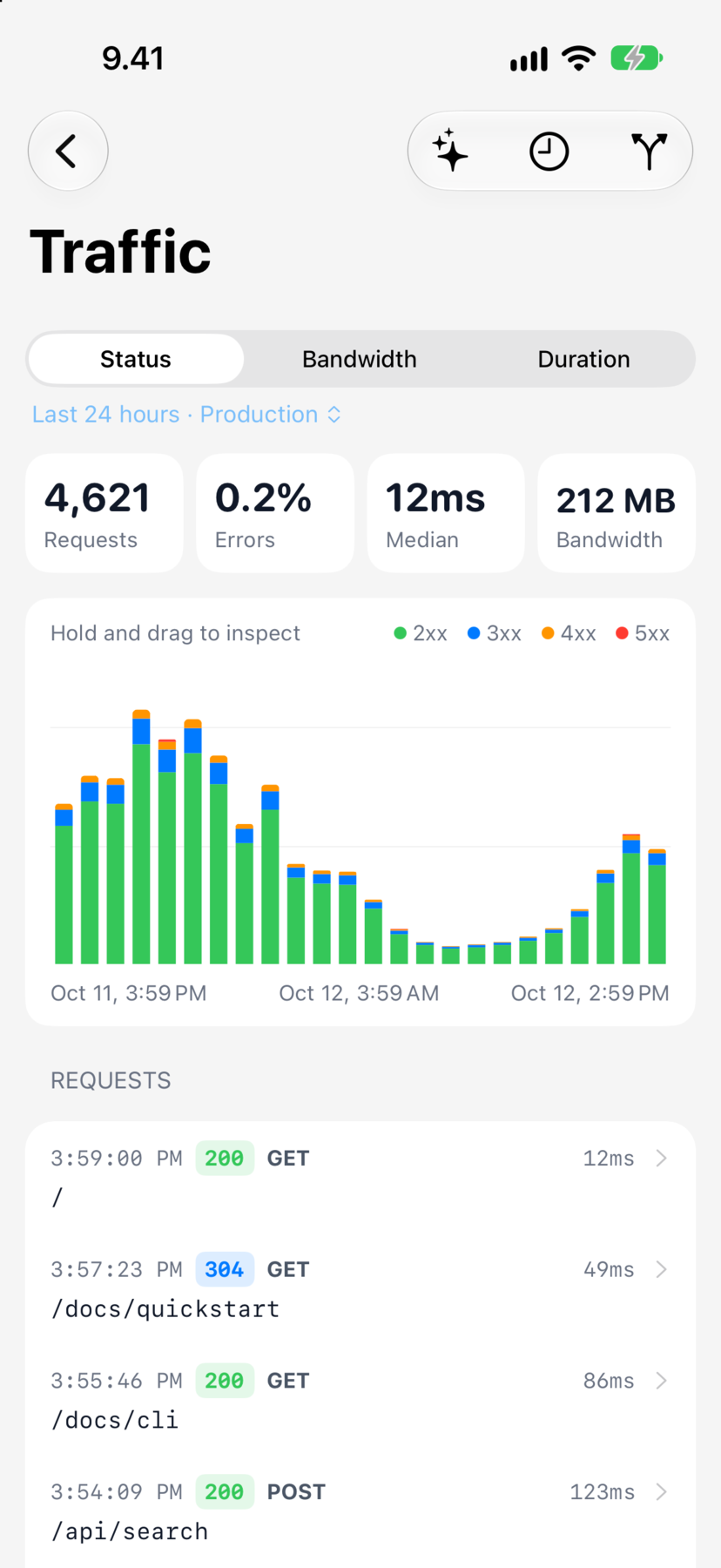
This one is free. When you get a sudden spike of 404s after a deploy, the first thing you want to know is whether it's real, and that shouldn't sit behind a subscription. Netlify doesn't share traffic data on every plan, though, so on some teams the Traffic screen will tell you it isn't available.
Watch a deploy from the lock screen#
When a build starts, Netli.fyi can now show its progress live. On iPhone that's a Live Activity on the lock screen and in the Dynamic Island, and it starts even when the app is closed. On Android 16 it's a Live Update notification, with a regular progress notification on older versions.
You can cancel a build while it's running, and when it finishes the same notification gives you a button to open the site. Live deploy progress is part of Netli.fyi Advanced.
Connect a domain to a project#
You could already look at your domains in Netli.fyi. Now you can also connect them. Start from either the project or the domain. The project page lists the main domain, any other domains, and the Netlify subdomain, each with its status. From there you can make a domain the main one, remove one, or open a setup checklist with the records you need. Each record has a copy button, and a "Check again" button tells you when DNS has caught up.
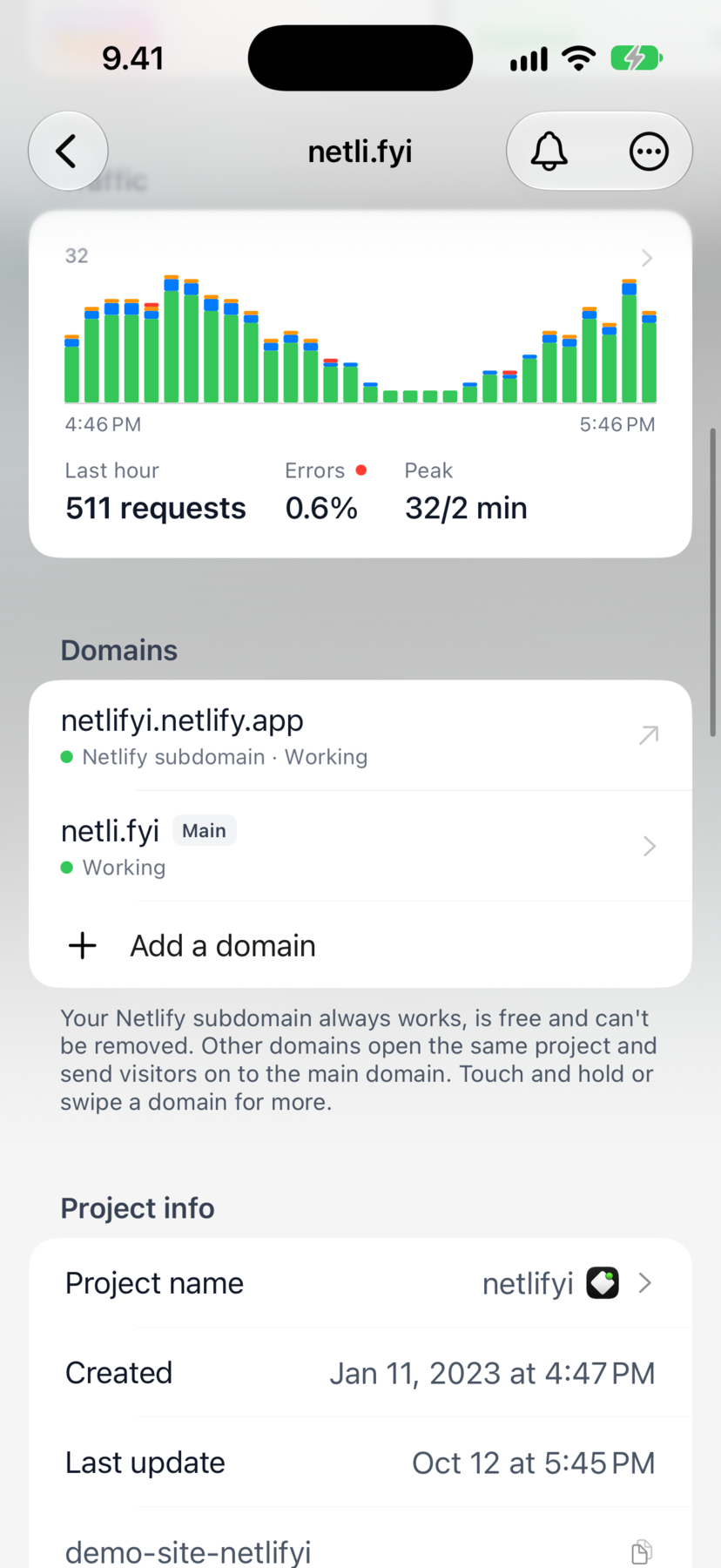
DNS records are editable now too, apart from the ones Netlify manages for you.
Notifications for everyone#
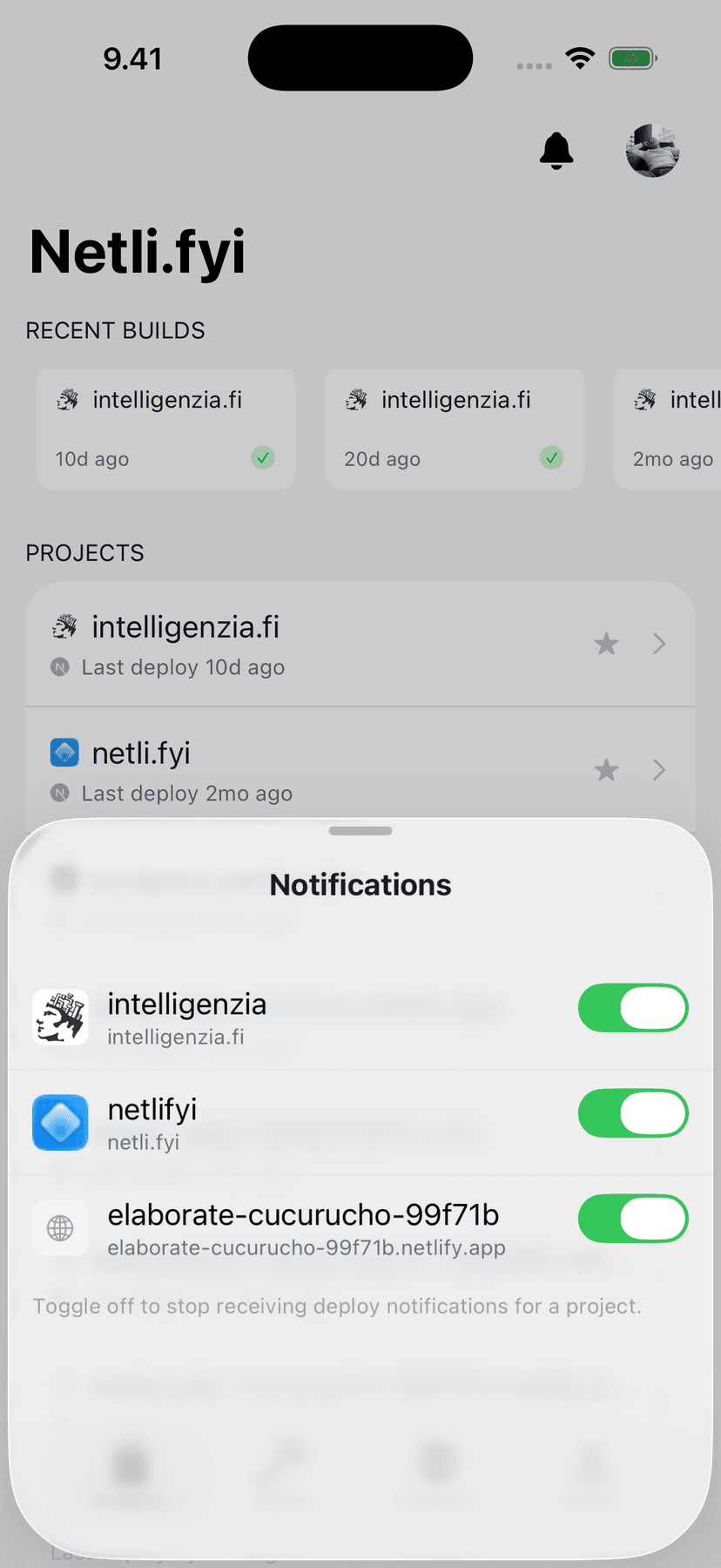
Until now, deploy notifications were only for subscribers. In 1.3 every account gets a heads-up when a deploy starts or a form submission arrives, once per project per day for each. That's enough to know something happened.
Netli.fyi Advanced gets every event as it happens, including success and failure and the full form submission in the notification. Turn on "Watch all my projects" and new projects get added automatically.
Five new languages#
Netli.fyi now speaks German, French, Spanish, Brazilian Portuguese, and Japanese. You can pick a language in the app, and push notifications come through in that language too. Your choice is saved to your account, so it doesn't depend on which phone you're using.
Android catches up#
Android gets Build Status and Site Status widgets for the home screen, plus a Quick Settings tile that redeploys a site with one tap. Snippets can now be viewed and edited on Android as well, and a handful of Android-only bugs are fixed, like missing icons and notifications that didn't open the app.
On iPhone there's a new Redeploy control for Control Center (iOS 18 and later), and the widgets have been refreshed.
Try it before you sign in#
If you're not sure Netli.fyi is for you, you can now open a demo workspace with sample projects and look around before connecting a Netlify account.
A project page that's yours#
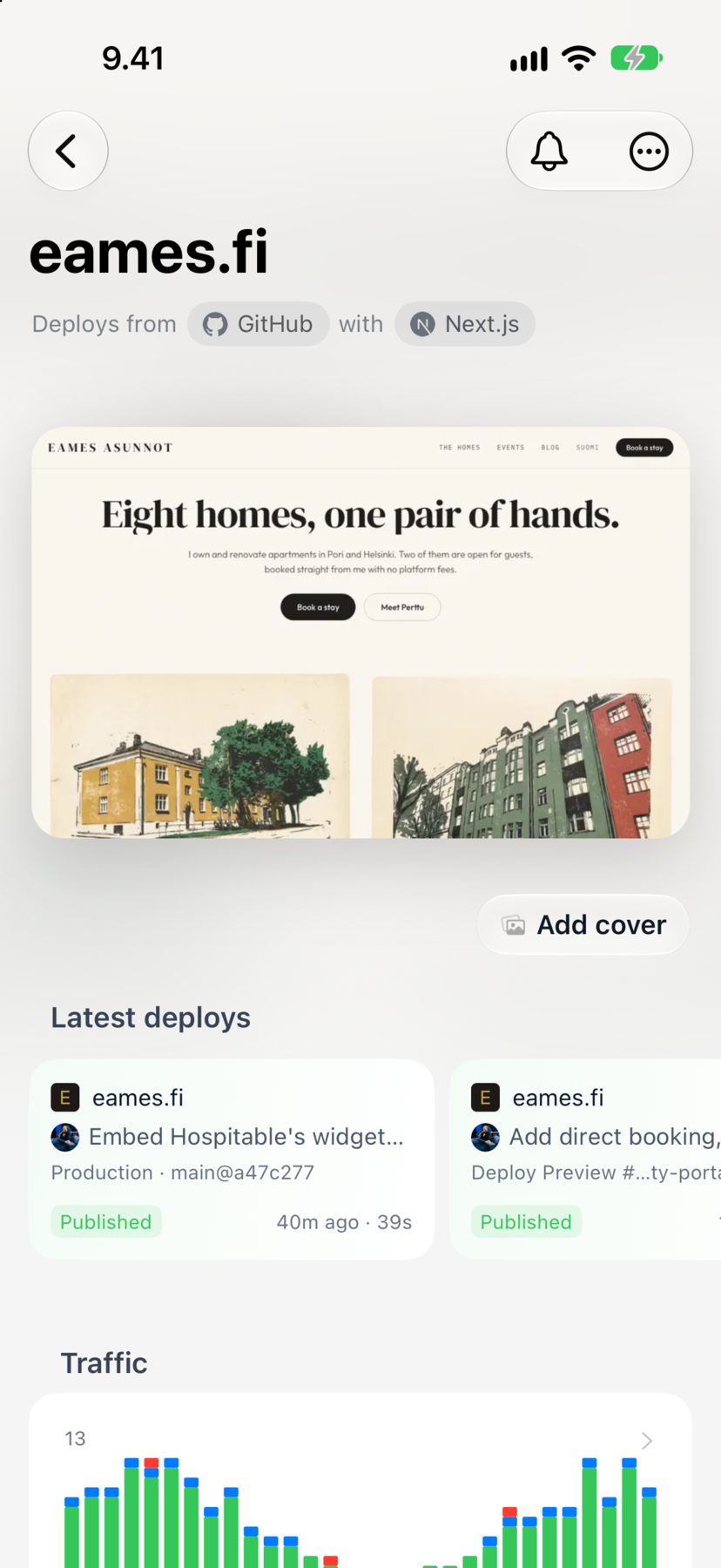
Projects can have a cover image now. Pick a photo or use the site's own share image, and it's saved to Netlify, not just stored on your phone. The project page has been redesigned around it, and the header animates while a build is running.
Smaller things#
- Search tab on iPhone for searching your whole account. On Android, search is still in the Projects tab.
- Alternate app icons on iPhone for Advanced subscribers. There's also a new default icon, and the old one is still available as "Blueprint".
- Form submissions show the sender's email-domain icon, including in the Recent Submissions widget. Submissions without an email address read properly now, and file and checkbox fields show as text.
- Creating a site is now step by step. It previews your
.netlify.appname as you type and detects the framework from a base directory, so monorepos work. You can also upload a new deploy to an existing site that isn't connected to a repo. - Restricted teams. Sites you're a collaborator on, without being a member of the team, now show up.
- Credits. You get a warning when you're close to your credit limit, and the account picker shows remaining credit.
- Deploys open in the same sheet everywhere, any running build can be cancelled or retried, and Restore only appears when it would do something.
- Hooks created by Netli.fyi are labelled, you can delete hooks, and the hook form checks what you type as you go.
- GitLab tokens refresh on their own, and an expired one asks you to reconnect.
- Notification settings link straight to system Settings when permission is off, and only failed deploys break through Focus.
- Accessibility. VoiceOver labels and actions everywhere, text that grows with Dynamic Type instead of shrinking, Reduce Motion respected, and better contrast.
Fixes#
- When something fails to load you now see an error and a Retry button. Before, you'd get an empty account, "No projects", or "MFA Disabled".
- Error messages say what went wrong. A 401, 403, or 404 no longer reads as "check your connection".
- If pull-to-refresh fails while you're looking at older data, the app now tells you.
- Form submission counts are exact.
- Release builds no longer write your sign-in token to the device log.
- Screens stop checking for updates while you're not looking at them, so the app uses less data and battery.
How to get it#
Netli.fyi 1.3 is on its way to the App Store and Google Play, and will show up as an update over the next few days. If you're new, the app is free to download, and you can try the demo workspace before signing in.
As always, if something breaks or you're missing a feature, use the feedback form in Settings. A lot of this release started there.

Written by
Developer Advocate at RevenueCat and creator of Netli.fyi. Building on Netlify since 2019 and writing from hands-on experience deploying dozens of production sites.
More about the author